
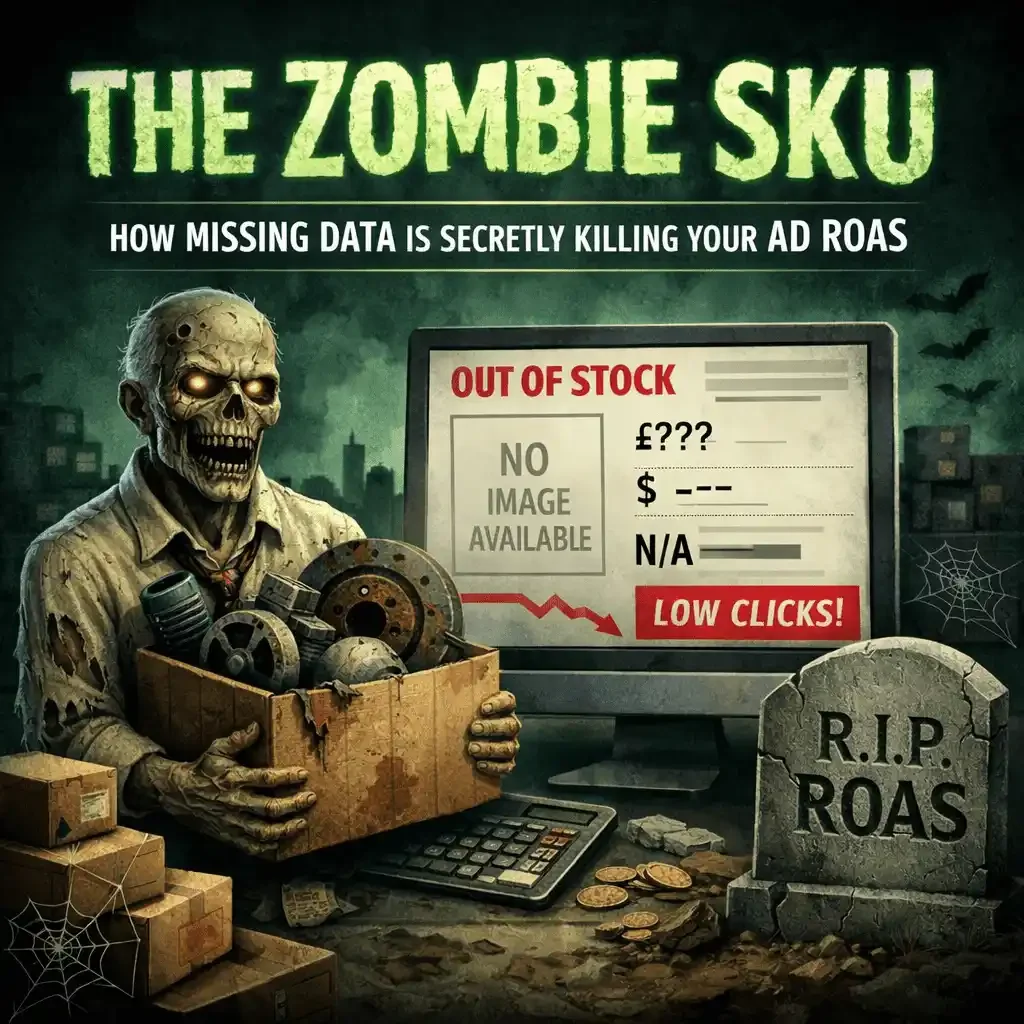
Before we get into the mechanics, consider a concept that rarely gets named but costs businesses real money every month: the zombie SKU.
These are listings that accumulate impressions, rack up ad spend, and generate zero sales. They appear alive in your catalog, but they are commercially dead.
And the worst part is this: zombies do not just waste budget. They can poison the performance of your healthy listings too.
What creates a zombie SKU
The cause is almost always a missing differentiator.
A grille assembly that does not specify with camera versus without camera. A mirror that omits blind spot monitoring compatibility. A headlamp that fails to distinguish LED from halogen.
The listing shows up in search results, the shopper clicks, the ad budget gets charged, and then the buyer bounces because the page cannot confirm whether the part actually fits their vehicle.
The SKU keeps eating budget while producing nothing.
Multiply that by dozens or hundreds of listings across your catalog and the waste becomes significant.
Why zombies are more dangerous on Google Shopping and Amazon Ads
Most teams treat zombies like a simple efficiency problem: “Pause the losers and scale the winners.”
That’s only half the story.
On Google Shopping, high-click, low-conversion products can drag down performance signals that feed into auction outcomes and overall efficiency. The algorithm learns your traffic is less likely to convert.
On Amazon Ads, the same pattern can punish you through relevance and conversion performance signals that influence delivery, CPC pressure, and how aggressively the system is willing to test your catalog.
In plain English: the zombies aren’t just eating budget. They can make the platforms treat your entire account like it’s less relevant.
You think you have a bidding problem. You actually have a catalog credibility problem.
The three most common zombie patterns
1) The missing feature flag
These are the “looks the same” parts that are not the same.
Common offenders:
With camera vs without camera
With blind spot vs without blind spot
With adaptive cruise vs without adaptive cruise
With parking sensors vs without
With tow package vs without
Heated vs non-heated
If the listing does not declare it clearly in attributes and on the page, the shopper has to guess. Most shoppers do not guess. They leave.
2) The position and side mess
This one is brutal because it creates duplicate confusion and return risk at the same time.
A pattern I see constantly:
You have four SKUs:
Right Upper
Left Upper
Upper
Upper
Those last two “Upper” SKUs are zombies. They might be different parts, or one might be a duplicate, or one might be the same part sold under a different brand. The shopper cannot tell. Your team often cannot tell without digging.
Position-sensitive parts live or die on structured clarity:
Left vs Right
Front vs Rear
Upper vs Lower
Inner vs Outer
Inboard vs Outboard
That last one is a notorious conversion killer. In the auto parts world, inboard vs outboard can be the difference between the right part and an instant return, and it’s constantly missing from listings.
When any of these are vague, the buyer does one of two things:
bounces
guesses
Both outcomes cost you money.
3) The listing with no applications or no image
These are zombies that should never be allowed into paid traffic.
No applications (no fitment): you’re asking the buyer to trust you blindly. Fitment is the foundation. Without it, the shopper has no anchor.
No image: the listing feels incomplete. Confidence drops. Bounce rate climbs. Even if the part is correct, it doesn’t look correct.
A lot of teams treat missing fitment and missing images like “we’ll fix it later.” Later rarely comes. The SKU goes live, then the zombie starts feeding.
How to find zombie SKUs in one hour
Run this report weekly by channel:
A simple zombie definition:
Impressions above a meaningful threshold
Clicks or spend above a meaningful threshold
Orders = 0 (or revenue close to zero)
Then bucket the zombies:
Missing differentiator attribute
Position and side ambiguity
Missing or shallow fitment depth
No image or low-quality image
Duplicate listing or near-duplicate
Feed errors or suppressed listings
The goal is not perfect diagnosis. The goal is fast triage.
The Zombie SKU Triage Playbook
Step 1: Quarantine first
If a SKU is spending and not selling, pause it from paid traffic until it is fixed.
Do not keep paying to learn the same lesson.
Step 2: Fix the one thing that removes doubt
Zombie SKUs usually die because of one missing field.
Examples:
Add Camera Provision as a required attribute
Add Blind Spot Monitor Compatible as a required attribute
Add Lighting Type: LED or Halogen
Add Inboard vs Outboard where applicable
Add full Left/Right + Upper/Lower + Inner/Outer clarity
Then make sure the differentiator appears in three places:
filters
search card
top third of the PDP
If the buyer has to scroll, you’re still leaking conversion.
Step 3: Merge duplicates, do not multiply them
If two SKUs are truly the same part, consolidate the presentation. Duplicate ambiguity creates zero value.
If they are different, make the difference obvious in structured fields, not buried in a description.
Step 4: Stop letting incomplete SKUs enter paid traffic
This is a process rule, not a cleanup project.
A clean rule set:
No fitment, no traffic
No primary image, no traffic
No critical attributes, no traffic
Strict is cheaper than returns and wasted clicks.
The real cost isn’t the ad spend
Ad spend is the visible cost. The bigger cost is everything that follows:
your team chasing bids instead of fixing the leak
customer service handling “which one do I buy” calls
returns eating freight and labor
platforms learning your catalog doesn’t convert
Zombies create operational drag and algorithmic distrust.
CTA
If you’re seeing high traffic but low conversion, stop looking at your ads. Look at your attributes.
If you want, send one category and the top 50 SKUs by spend. I’ll show you which missing differentiators are creating zombies, and which fixes can outperform a site-wide discount.