
The Ghost in the Machine
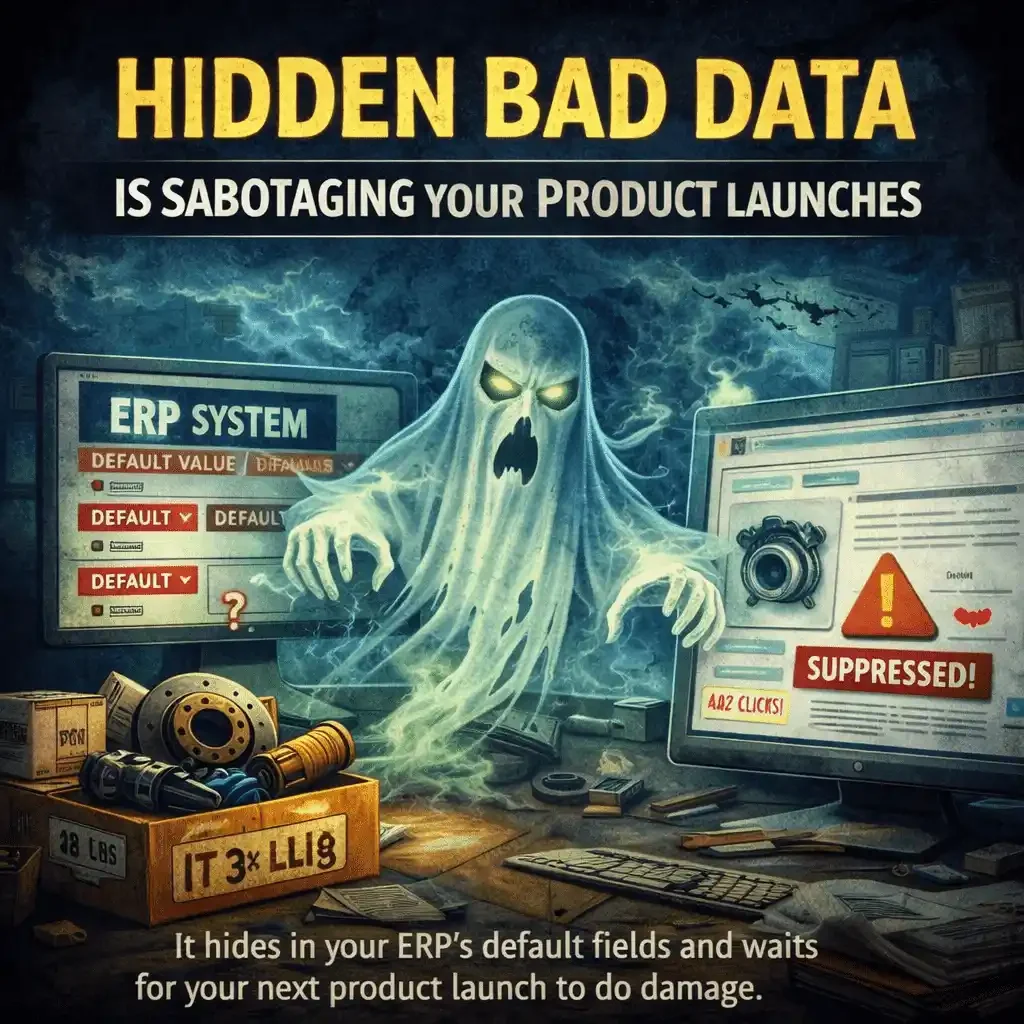
Bad data doesn’t announce itself. It hides in your ERP’s default fields and waits for your next product launch to do damage.
By Arthur Simitian · Updated February 2026
It never shows up on launch day. It shows up weeks later, when a new SKU that should be selling just sits there. No impressions. No clicks. No velocity. The team starts blaming pricing, creative, ads, or seasonality.
The real problem is almost always quieter and older. A rule that was written five years ago, forgotten three years ago, and is still running today.
This is how systemic errors work. They don’t fail loudly. They sabotage silently.
Why This Keeps Happening
Most companies don’t run one system. They run a chain of systems.
ERP → PIM → Feed → Marketplace → Filters → Conversions
A single bad default upstream becomes a thousand broken outcomes downstream. And because the systems are automated, the mess travels faster than your team can spot it.
The most dangerous ghosts often live in User Defined Fields (UDFs). Catalog managers know this instinctively. UDFs sit outside core system validation, which means nobody audits them, nobody gates them, and the rules inside them run unchecked for years.
Your PIM is supposed to be the exorcist here. It is the layer designed to catch, normalize, and validate data before it reaches the channel. But a PIM only works as a gate if its validation rules are active and maintained. A PIM with stale rules is just another pass-through, and another place for ghosts to hide in plain sight.
The Legacy Rule Pattern
Here’s how it always starts. A team builds a workaround during a messy quarter. It solves an immediate problem. Everyone moves on. Nobody documents it properly. Nobody removes it. It becomes “how the system works.”
Then a brand-new product line launches, and the old rule attaches itself to the new SKUs like a parasite. Three versions of the same ghost follow.
Ghost 1
The default shipping weight that kills your listing
Somewhere in the ERP, someone set a default weight. Maybe for a heavy category. Maybe during a temporary data gap. The default is still there. Now you launch a lightweight item, and the system assigns it 42 pounds.
On a marketplace, that can trigger higher shipping costs, different shipping classes, lower conversion, fewer program badges, or outright suppression. Nothing looks wrong in the listing title. Nothing looks broken in the feed.
It’s not just about the weight. When your ERP defaults a small sensor to a large box dimension, you aren’t just paying for shipping. You’re paying a Dimension Tax on every unit. I’ve seen one-pound parts billed as ten-pound parts because a box-size default was never cleared.
Your SKU is alive, but your visibility is dead.
Ghost 2
A category tag from 2019 that breaks your filters
A legacy mapping rule assigns new SKUs into the wrong category. That sounds minor until you follow the chain. Wrong category means wrong attributes. Wrong attributes means broken filters. Broken filters means buyers can’t find you.
Buyers don’t search. They filter. If your legacy rule tags a fuel pump as a generic engine component, you haven’t just miscategorized it. You’ve buried it in a filter grave where most buyers never click.
Your product isn’t underperforming. It’s invisible where the buyer is actually looking.
Ghost 3
The hidden fitment rule that generates returns
A legacy fitment-broadening rule was created to “fill gaps.” It makes the catalog look better on paper. It also creates false positives. A new SKU launches with fitment it doesn’t actually have. It sells. It returns. Reviews bleed. Marketplace metrics slide. Account health takes the hit.
The system did exactly what it was told, years ago.
Automating a mess just creates a faster mess.
Every automation pipeline is a multiplier. If your defaults are wrong, your automation isn’t a strategy. It’s a distribution mechanism for errors.
How to Exorcise the Ghost
You don’t fix this with more meetings. You fix it with a few ruthless checks.
Identify your default fields
Defaults are where ghosts live. Shipping weight, dimensions, hazmat flags, oversize flags, category IDs, brand assignments, MAP rules, return policies, and fitment expansion logic. List every one.Trace one SKU end to end
Pick a new SKU that isn’t performing. Walk it through the whole chain, ERP to PIM to feed to channel. Find where the values first become wrong. That first wrong value is the ghost.Build launch gates
Before any new SKU goes live, it must pass a system gate, not a spreadsheet glance. If shipping weight is defaulted, stop it. If category mapping is inherited, verify it. If attributes are blank or impossible, block it.Make legacy rules visible
If a rule exists, it must have an owner and a reason. If it has neither, it should not exist.
The Bottom Line
Most teams think their problem is the new product launch. It usually isn’t. The launch is simply the moment the system exposes its hidden rules.
Your job is not just to launch products. Your job is to control the machine that launches them.
FAQ
What is a “legacy rule” in an ERP or catalog system?
A default, mapping, or automation decision created years ago to solve a specific problem. It keeps running in the background and quietly applies itself to new SKUs, even when it no longer makes sense.
What are the most common “ghost” fields?
Default shipping weight and dimensions, category assignments, attribute mappings, hazmat and oversize flags, return policy assignments, MAP logic, and any fitment expansion or gap-fill logic.
How do I know if a hidden rule is sabotaging a new SKU?
Look for a pattern where the listing looks fine on the surface, but performance is flat. Low impressions, poor filter placement, inflated shipping costs, or unexpected suppression are strong signals. Trace one SKU end to end and find the first field that goes wrong.
Where should I look first when a launch underperforms?
Start upstream, not in ads. Check ERP and PIM defaults, category mapping, shipping fields, and attribute completeness. If those are wrong, everything downstream will look like a marketing problem when it’s actually a system problem.
How often should we audit legacy rules?
At minimum, quarterly. Realistically, any time you add a new supplier, launch a new category, migrate platforms, or change feed logic.
What’s the quickest first step I can take this week?
Pick one underperforming new SKU and trace it from ERP to PIM to feed to channel. The first place a value becomes wrong is usually the rule you need to fix.
CTA
What’s one legacy rule in your system you’re too afraid to touch?
If you want help finding your ghost, send me two things:
a raw export of the SKU data before it hits the channel (ERP or PIM is fine)
the channel results that look wrong (suppressed listing, bad shipping class, broken filters, low impressions, high returns, whatever you’re seeing)
Most of the time, when I can see the raw data and the downstream behavior side by side, I can pinpoint what your system ghost is doing and where it lives.
Drop a quick note with the SKU and what “should” be happening versus what is happening, and I’ll tell you where I’d look first.