
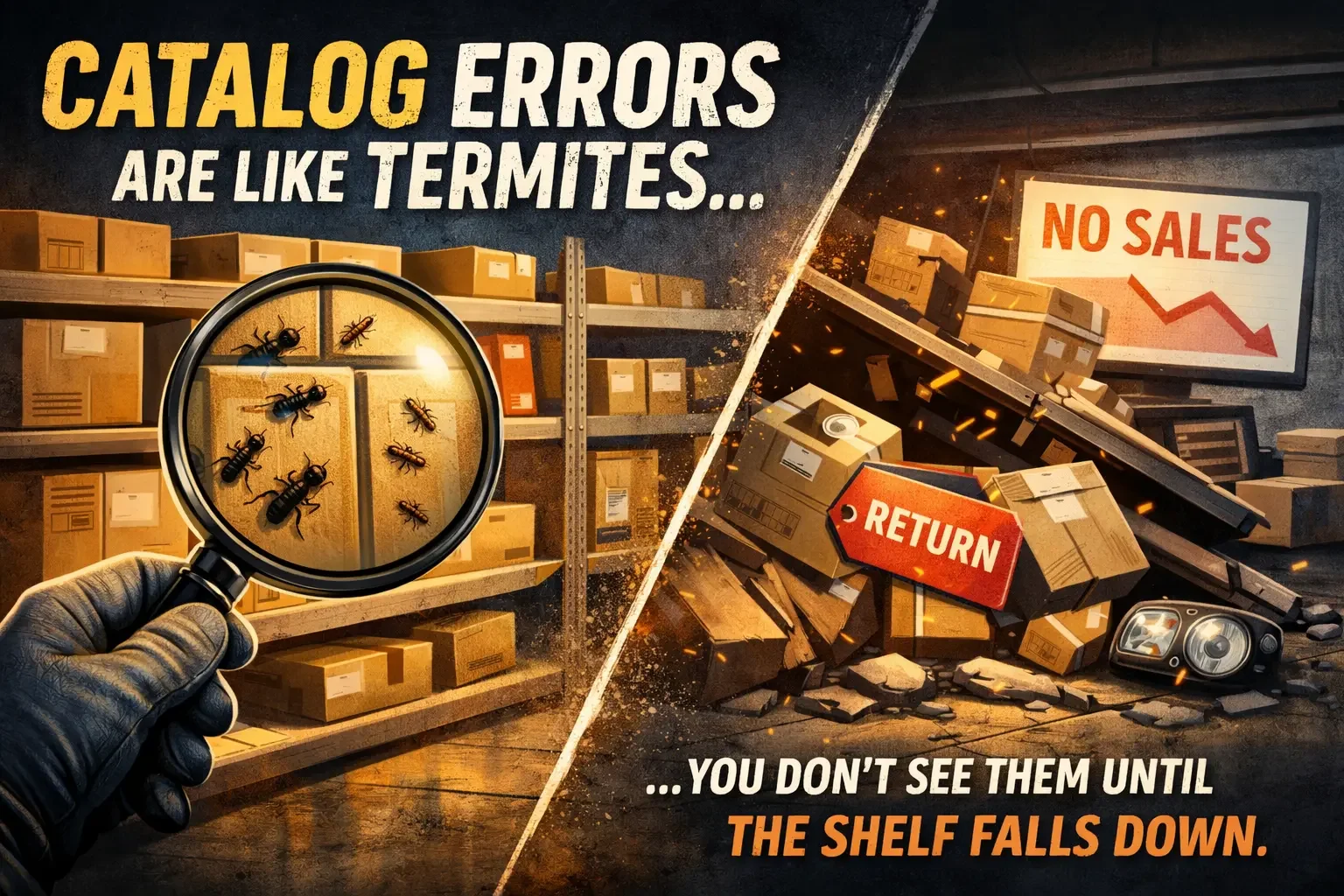
Catalog errors are like termites. You do not see them until the shelf falls down.
Most teams picture catalog problems as something loud and obvious.
Wrong engines. Broken ACES logic. Marketplace suppression. Thousands of bad fitments.
Sometimes that is true.
But the most expensive failures are usually quiet. They sit inside listings that look healthy on paper and still destroy conversion, inflate returns, and create overstock that will not respond to price cuts.
This post is about those invisible errors and how to find them before they become a category level problem.
Why invisible errors are so dangerous
Because they hide behind the metrics people already trust.
You still have:
applications populated
images present
attributes filled
inventory available
pricing updated
So the business assumes demand is weak or the market changed.
Meanwhile the listing is quietly telling the customer something that makes the product unattractive, incomplete, or risky. The shelf does not fall because one report looks bad. It falls because thousands of buyer decisions got nudged the wrong way.
5 common invisible catalog errors that wreck performance
1) Truth attributes that poison conversion
These are tiny phrases that kill a sale before the customer even considers price:
Without keys
Hardware not included
Gasket not included
Bracket not included
Programming required
Core charge applies
Sensor not included
Fitment can be perfect. The buyer can still bounce.
Because customers are not buying a part. They are buying a Saturday job.
Those words instantly change the job:
more steps
more risk
more surprise costs
more time waiting for missing pieces
And the dangerous part is that your dashboards still look green. Apps are present. Images are present. Attributes are filled. One wrong truth statement can freeze an entire category while the team debates demand, price, and seasonality.
This is why I separate Fitment Truth from Catalog Truth.
Fitment Truth is does it fit.
Catalog Truth is is the listing honest about what is in the box and what is required.
Catalog Truth is conversion.
2) Shipping dimensions and weight that do not match reality
This one is brutal because it does not just hurt conversion. It attacks margin and marketplace eligibility.
A single bad dimension can:
trigger carrier surcharges
push the SKU into a higher shipping class
inflate landed cost
make your price look uncompetitive everywhere
Then teams try to fix it with discounts and quietly bleed profit.
Common pattern:
shipping cost spikes appear out of nowhere
margins compress
listings lose exposure on marketplaces
the category starts looking price sensitive even when it is not
3) Pack quantity defaults that create no sale and expensive returns
This is one of the most common catalog errors because it is not stupidity. It is muscle memory.
In auto parts, most SKUs are Qty 1. Everyone knows it. Your team knows it. Your suppliers assume it. Your process quietly defaults to it.
Then you hit the small set of products that must be sold as a set:
fog lights that ship as a pair
headlight sets that include right and left
hardware kits like a set of 8 engine block bolts
When pack quantity is wrong, you get two failure modes.
Failure mode A: No sale.
The customer cannot tell what they are getting, or the price looks too high for a single piece. They bounce.
Failure mode B: The return trap.
The customer assumes they are buying one piece, buys two, and receives two sets. Now you created a return at your expense even though the product was perfectly fine.
I have seen this so many times that I stopped treating it like a data entry mistake. It is a system design problem.
You need guardrails around unit count fields because defaults are dangerous. Set must be explicit. High risk categories should require validation before publish.
Pack quantity errors do not just reduce conversion. They manufacture returns.
4) Generic titles that hide high intent keywords
This is the silent SEO killer.
Door Handle is not a product. It is a category.
Search engines and marketplaces cannot match intent if you do not state it.
Compare:
Door Handle
Exterior Door Handle Front Left Driver Side with Keyhole
Same part. Different discoverability.
Common pattern:
impressions exist but clicks do not
you rank for broad junk queries
marketplaces match you to the wrong traffic
conversion drops because relevance is wrong, not because demand is weak
5) A bulk update that contaminates hundreds of SKUs
This is how one mistake becomes a category problem.
A supplier file. An internal upload. A mapping rule. A field default.
Everything looks fine at the individual SKU level until you realize the same wrong value was applied across an entire family.
The fix is not correct the SKU.
The fix is stop the source and repair the blast radius.
Common pattern:
category conversion drops without an obvious reason
overstock grows even after purchasing holds
the problem returns after every patch
teams blame demand because they cannot see the shared source
The so what: how these errors inflate returns and kill SEO
Invisible errors do not stay invisible in the P and L.
They create very specific damage.
They kill conversion without looking broken
A buyer sees one line like Hardware not included and leaves. No error message. No alert. Just a lost sale.
Your reporting shows traffic. Your team debates price. The listing decides in one second.
They inflate returns for the worst reasons
Not does not fit. Not defective.
The expensive ones are:
not as described
missing parts
expected a set
did not know programming was required
Those returns erode trust, create support load, and push you into more replacements and reships.
They weaken SEO because intent gets mismatched
Google and marketplaces reward clarity. If titles and attributes are vague or wrong, you get lower click through, lower engagement, lower rankings, and worse traffic quality. Then conversion drops again and the cycle repeats.
A framework you can steal: the Termite Inspection
If a category is slow moving and refuses to respond to price action, do this before you blame demand.
Step 1: Pick the shelf that is starting to sag
Choose one:
a category stuck in overstock
a category with rising return rates
a category with traffic but flat conversion
Step 2: Read one SKU like a customer
Not like an analyst.
Open the product page and read every line:
title
bullets
included and not included statements
compatibility notes
required tools or programming
pack quantity
shipping claims
If you feel uncertainty as a buyer, you found your lead.
Step 3: Verify physical truth
The fastest validation tool is still a human opening a box.
Ask:
What is actually included
Is pack quantity what the listing implies
Does the packaging match the claim
One quick check can save weeks of guessing.
Step 4: Trace the source, do not just patch the symptom
Find the last update that touched the wrong field:
supplier feed
internal upload
mapping logic
bulk update rule
Then pull every SKU touched by that update. That is your blast radius.
Step 5: Fix in bulk, leave true exceptions
Most categories have a few real exceptions. Keep them accurate.
But do not let exceptions become defaults.
After the fix, monitor:
add to cart
conversion
return reasons
velocity
If the category is healthy, you will see movement quickly.
The Termite Checklist
Use this when a category makes no sense:
Truth: included and not included statements correct
Pack quantity: set vs single clear and accurate
Title clarity: side, position, intent present
Shipping: dimensions and weight aligned to real packaging
Notes: any scary language that stops buyers
Source: what file or rule last updated these fields
Blast radius: how many SKUs got the same update
If you want help
If you have a category that keeps showing up in overstock even after price action, it is usually not demand.
It is usually data.
If you want help finding the termite that is weakening your shelf, send:
the list of SKUs in the overstock bucket
a sample of product page data for those SKUs
any recent update files or supplier feeds tied to the category
I will help you identify the failure pattern and build a rule or checklist that prevents it from happening again.
What is the weirdest catalog error you have ever found?