
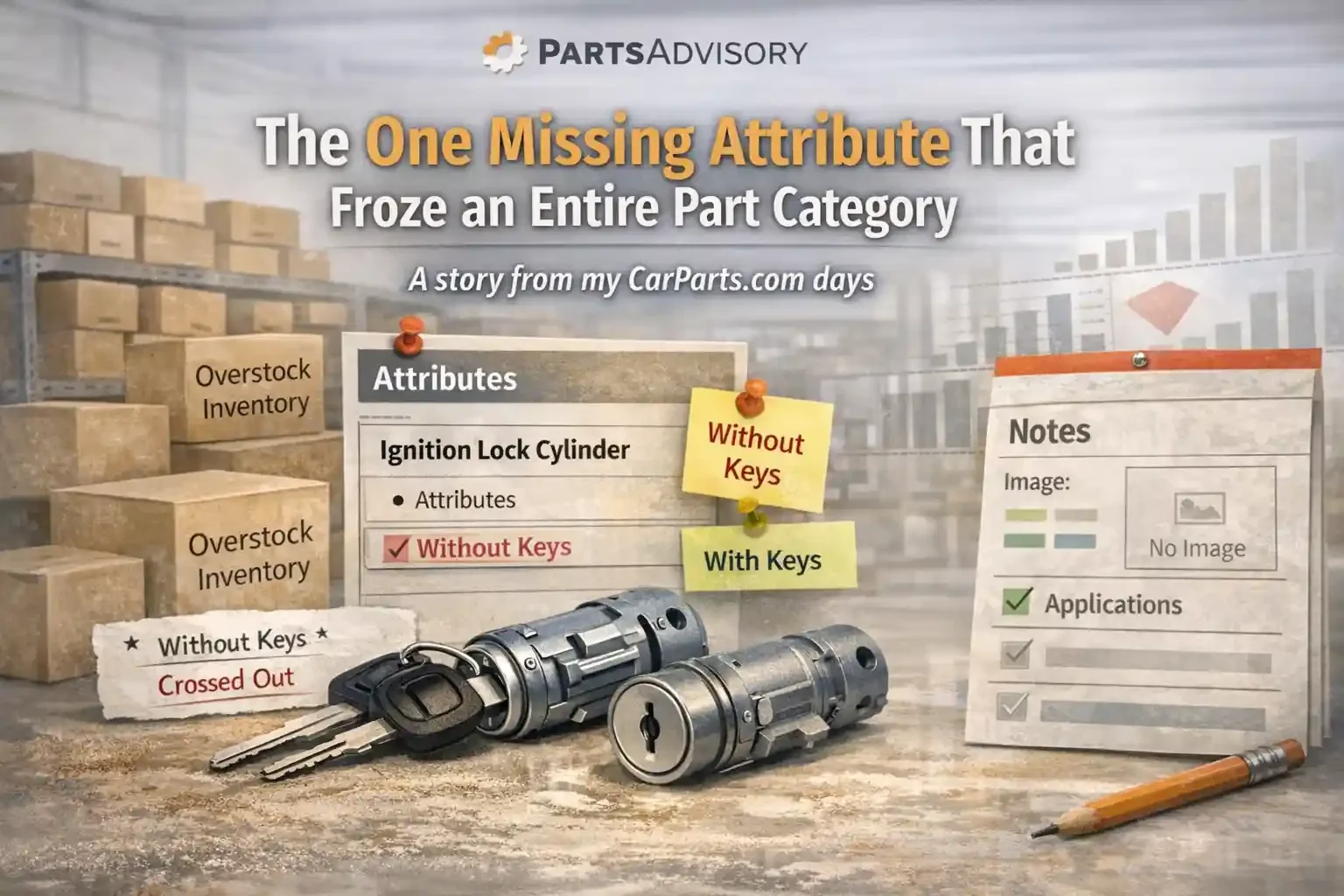
A story from my CarParts.com days
When people talk about catalog problems, they usually imagine something massive.
Bad ACES logic. Wrong engines. Marketplace suppression. Thousands of broken fitments.
Sometimes it is that.
But sometimes it is one tiny mistake that quietly infects an entire category and makes the business look broken until someone reads the data like a detective.
This is one of those stories.
The overstock report that would not go away
Back when I was managing overstock inventory at CarParts.com, I lived inside a daily report.
The job was simple to describe and brutal to execute.
Every day, identify what we have too much of, then do the work to move it before it becomes dead inventory.
Price actions. Purchasing holds. Product page improvements. Marketing pushes. Supplier conversations. Whatever it takes.
Over time you get a feel for normal patterns.
Cooling parts slow down in winter.
Wipers spike when weather hits.
Some categories breathe with seasonality and you learn the rhythm.
Then there were Ignition Lock Cylinders.
Not seasonal. Not trendy. Not something that should behave like a dead category.
Yet week after week, it kept climbing on my report.
At first it was one or two SKUs showing up in the overstock bucket.
Then more.
Then it got worse even after aggressive pricing.
Eventually, it became one of those categories that starts to annoy you because it violates common sense.
If you lower price, you should move units.
If you stop buying, the overstock count should eventually shrink.
But Ignition Lock Cylinders kept doing the opposite.
First instinct: purchasing, pricing, and “maybe demand is just low”
I treated it like any other overstock problem.
I took price action.
I tightened buys.
I pushed SKUs into “do not buy” when inventory levels exceeded comfort.
And still, the SKU count grew. Even inside the do not buy bucket.
That is the moment you stop blaming demand.
Because if demand was the issue, it would not get worse after you stop feeding it.
Something else was happening.
The high level checks all came back clean
Before I go SKU by SKU, I always run basic health checks. The quick, boring stuff.
Do we have applications?
Do we have images?
Do we have more than one image?
Do we have the core attributes?
This was not a sophisticated report. It was a yes or no kind of report.
Everything came back positive.
Applications were present.
Images were present.
Attributes looked present.
So on paper, the category looked fine.
That is what makes this kind of issue dangerous.
Because the surface level health checks tell you nothing is wrong, while the business results scream that something is wrong.
The moment I stopped looking at reports and started reading words
Eventually I did what most people avoid because it is time consuming.
I opened a specific SKU and read every line on the product page like a customer.
Every bullet. Every attribute. Every note.
And then I saw it.
One attribute that did not belong.
The listing said: “Without keys.”
That is a small detail with massive impact.
If I am shopping for an ignition lock cylinder and the listing tells me it comes without keys, I am not buying it.
Most buyers will not even ask questions. They just move on.
So now the story made sense.
Pricing was not the real problem.
Demand was not the real problem.
We were telling customers the product was incomplete.
The fastest way to verify is not another report
It is a phone call to the warehouse
I called the warehouse and asked someone to physically pull the part and inspect it.
I asked one question.
Does it come with keys?
My colleague checked the item in hand and confirmed it did come with keys.
So the listing was wrong.
Now the next question became the real question.
Was this a one off mistake on one SKU, or was this a pattern that infected many SKUs?
Finding the source of the mistake
This is where most teams stop.
They fix the SKU and move on.
That is how the problem returns later.
Instead, I traced the attribute back to the source file that last updated it.
I did not need to blame anyone. Mistakes happen. The point is to identify the blast radius.
Once I found the upload that introduced the “without keys” attribute, I pulled the list of every SKU affected by that file and sent it to the warehouse for spot checking.
The results were painful and also strangely relieving.
Almost all of them came with keys.
Only one did not.
So we had one true exception and a large set of incorrect listings.
One error had effectively mislabeled an entire part category.
The fix, and the overnight spike
We corrected the attributes in bulk.
We left the one true “without keys” SKU accurately labeled.
Then we waited.
And the result was immediate.
Sales started spiking almost overnight.
Not because we ran ads.
Not because we cut price again.
Not because seasonality changed.
Because we stopped telling customers the product was missing a key component.
The lesson: one wrong attribute can kill a category
This is the part most teams do not internalize.
It is easy to obsess over big catalog initiatives. ACES compliance, new feeds, new platforms, new validation logic.
But a single wrong attribute can do real damage, quietly:
It kills conversion
It creates overstock
It triggers unnecessary price cuts
It convinces you demand is weak
It sends you on a wild goose chase
And it can affect hundreds of SKUs at once if it was introduced through a feed, a supplier file, or an internal bulk update.
This was not a fitment mistake.
It was a catalog truth mistake.
We were accurately selling the right product, but describing it in a way that made it unattractive or unusable.
A simple framework you can steal
If you are fighting overstock or “slow moving” categories, here is the process I use before I accept the idea that demand is the problem.
Check category health at a glance
Applications, images, attributes, and completeness.Pick one representative SKU and read it like a customer
Not like a data analyst. Like a buyer who wants to install it this weekend.Verify the physical truth
Call the warehouse. Ask someone to open the box.Trace the error back to the last update source
Supplier feed, internal file, mapping rule, bulk update.Fix in bulk, then monitor conversion and velocity
If the category is healthy, you will see movement quickly.
If you want help
If you have a category that keeps showing up in overstock even after price action, it is usually not demand.
It is usually data.
If you want help finding the one detail that is freezing your category, send:
the list of SKUs in the overstock bucket
a sample of product page data for those SKUs
any recent update files or supplier feeds tied to the category
I will help you identify the failure pattern and build a rule or checklist that prevents it from happening again.